What type of website is Veltro best for?
01Veltro is best for Software company websites, Startup and product studio sites, Digital agency websites, IT solutions and technology consultancy sites.
Technology buyers rarely convert from a polished headline alone. They want to understand the offer, find proof that the team can deliver, and see experience that matches their industry.
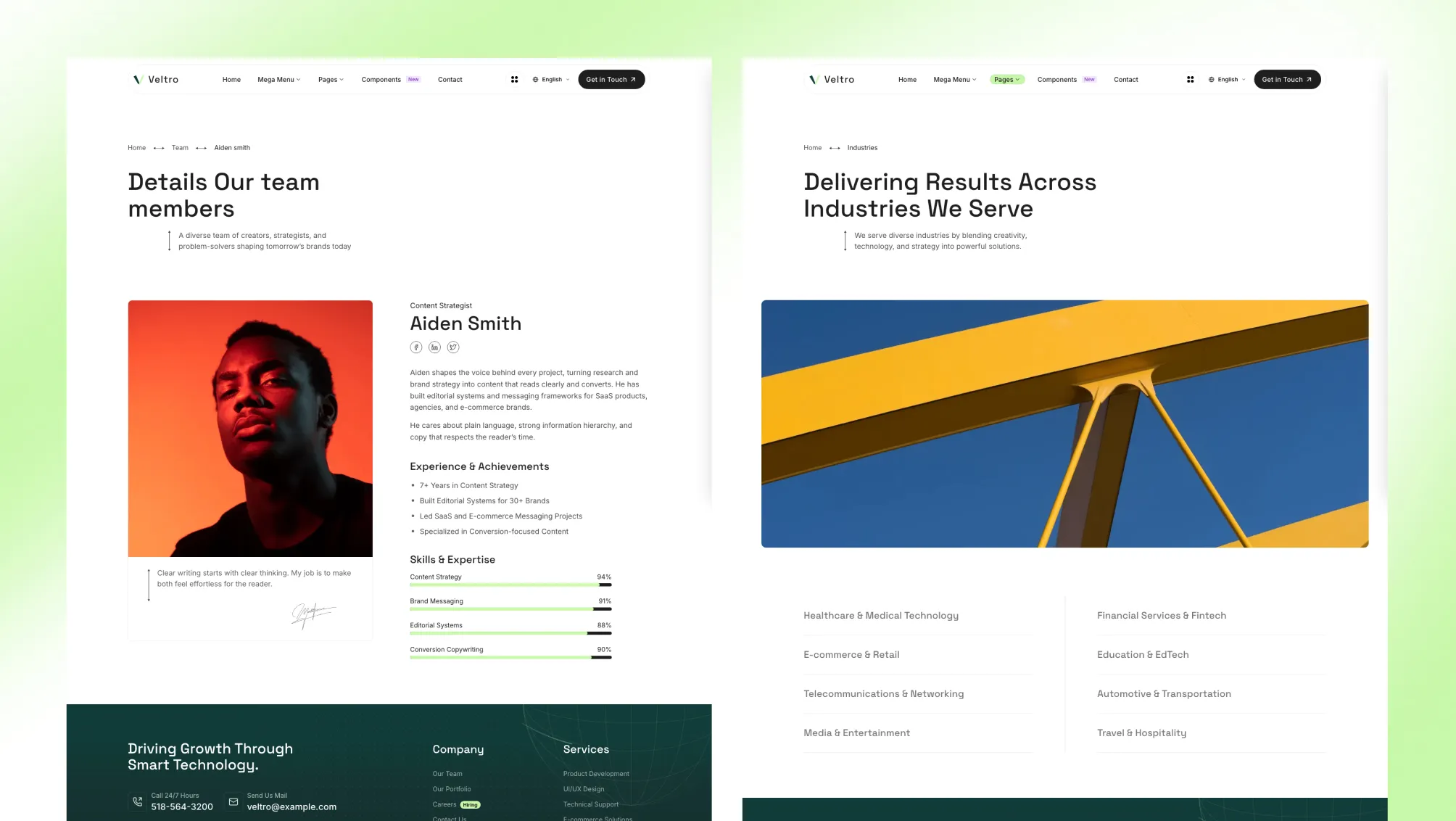
Veltro is built around that buying journey. Services explain the capability. Portfolio entries show the work. Case studies add the challenge, process, and outcome. Industry pages connect the same expertise to a buyer’s specific context. The result is a technology company website with a clear sales structure instead of disconnected landing pages.
Veltro gives each stage of the sales argument its own content type:
That content model is especially useful for agencies and consultancies with several capabilities, several buyer types, and a sales cycle that depends on evidence.
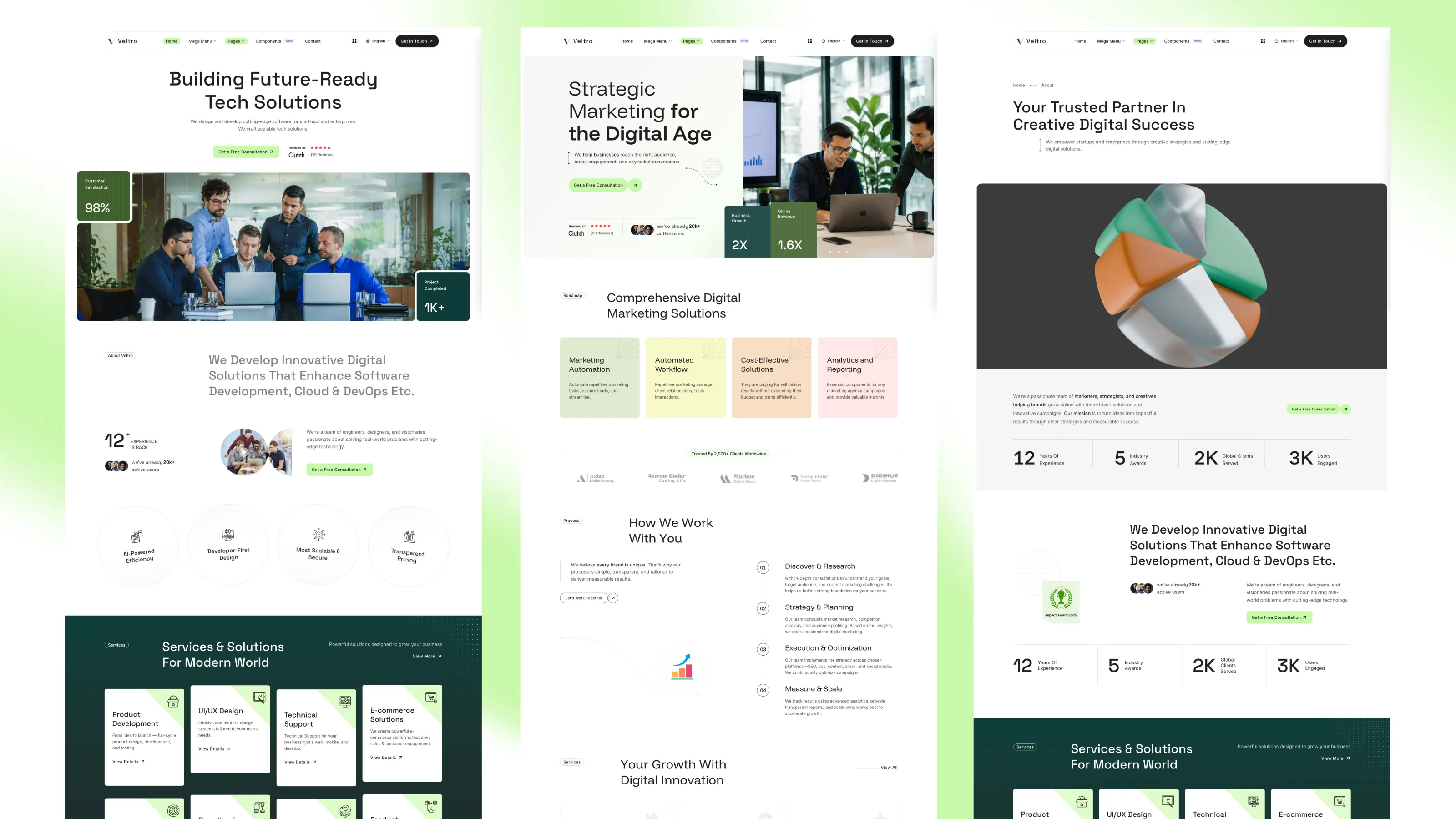
The two routed homepages are different compositions, not a simple color or header swap.
Home 01 moves from positioning into services and portfolio work, then strengthens the pitch with solution steps, testimonials, customers, case studies, industries, contact, and recent articles. It suits a company that wants capabilities and proof to carry the homepage.
Home 02 uses roadmap and process content before services and portfolio, then adds video, awards, team, testimonials, and articles. It suits a company that wants to sell how the team works as strongly as what it delivers.
Both compositions use the same content architecture, so teams can choose the stronger narrative without rebuilding the rest of the site.
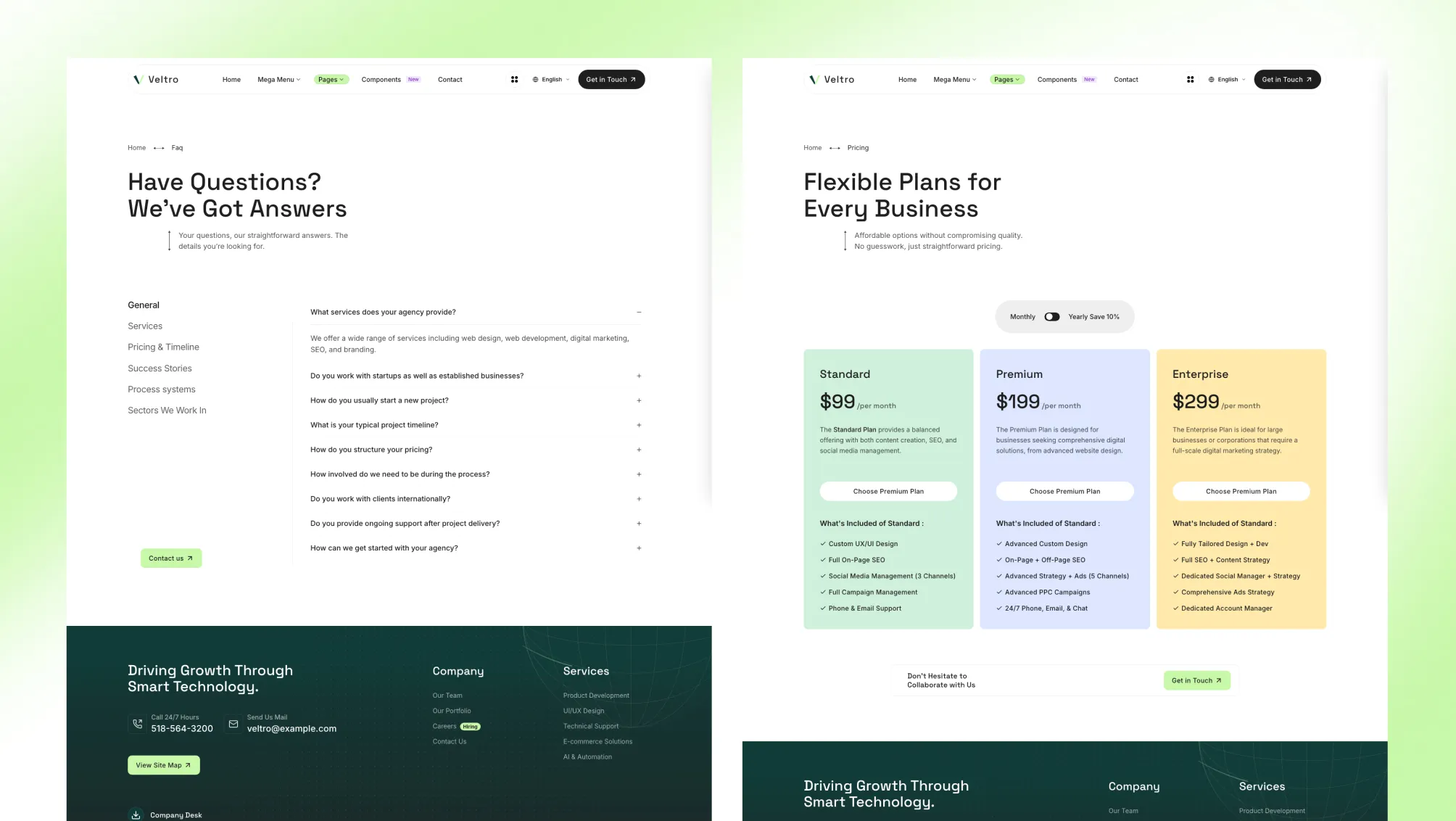
Veltro includes routed layouts for:
Blog, portfolio, services, and case studies include pagination routes. Portfolio and blog also include taxonomy routes, giving a growing content library room to expand without changing the underlying page architecture.
The navigation is designed for a technology company with more to explain than five flat links.
The practical sales benefit is faster self-selection. A buyer can move directly to a relevant service, industry, or proof point instead of working through a generic company page first.
Veltro uses Astro content collections rather than hardcoded page copy.
src/content.config.ts.src/sections.schema.ts.src/content/sections/<language>/.src/pages/[...lang]/.src/layouts/components/sections/.Pages can override section content through named frontmatter blocks while the section components retain their shared defaults. This keeps routine content work in Markdown and MDX, while developers still have a predictable component and schema layer for deeper changes.
The source also includes architecture guidance for Cursor, GitHub Copilot, and Windsurf so generated edits can follow the theme’s component, content, schema, and Tailwind conventions.
The main project controls are separated by responsibility:
src/config/config.toml for site identity, SEO defaults, forms, behavior, contact details, and localizationsrc/config/menu.en.json and src/config/menu.fr.json for navigationsrc/config/fonts.json for font families and variantssrc/config/social.json for social profilessrc/config/language.json for available languagessrc/styles/theme.css for Tailwind CSS 4 colors, type scales, breakpoints, radii, and surface tokens[settings]
pagination = 6
stickyHeader = true
contactFormProvider = "formsubmit.co"
[settings.multilingual]
enable = true
defaultLanguage = "en"
showDefaultLangInUrl = falseThis separation makes the theme faster to brand, easier to review in code, and cleaner to hand over to another developer or an internal marketing team.
The contact layer supports three providers:
formsubmit.coformspreenetlifyThe provider and endpoint are selected in config.toml. Form fields are defined in Markdown frontmatter and support text, email, textarea, select, searchable select, radio, checkbox, and status-note entries.
A Mailchimp subscription component is included for layouts that render it. That gives teams a quick starting point for contact and newsletter capture while keeping provider-specific logic out of the page content.
English and French content, menus, shared labels, and routes are included. English uses unprefixed URLs by default, while French uses /fr/.
The project includes commands to remove the multilingual files for a single-language launch or regenerate the multilingual structure later:
npm run remove-multilingual
npm run generate-multilingual-contentdist/ outputThe required runtime is Node.js 22.12.0 or later. Development, checking, testing, building, previewing, and deployment are exposed through npm scripts.
Choose Veltro when the website must do more than announce a product or list services. It is strongest when the sales story needs several connected layers: capability, relevant work, detailed proof, industry context, company credibility, and a clear route to contact.
For a small one-page launch, it is more structure than necessary. For a software company, IT solutions provider, product studio, or digital agency with a growing offer and real work to organize, the deeper structure is the point.
Veltro is best for Software company websites, Startup and product studio sites, Digital agency websites, IT solutions and technology consultancy sites.
Veltro is a paid Astro theme designed for teams that need a more complete production-ready starting point.
Yes. Veltro includes multilingual-ready project structure, which helps when the site needs localized routes or content.
Veltro includes blog support, case study pages, pricing pages, service pages, along with 35 sections.
Choose Veltro when the site is specifically for a managed IT service provider and should lead with support, security, and infrastructure services.
Pay once with no subscription. Choose yearly or lifetime downloads on Essential.
Pro and Business include downloads and updates for life.
For solo creators building one client site or personal project per theme.
+ Local Taxes Act Quick Before It's Gone! ~ 45% OFF
Individual themes
value $623
Save $524
(84%)
+ Local Taxes
Individual themes
value $623
Save $524
(84%)
For freelancers and teams working across multiple client projects.
+ Local Taxes
Individual themes + figma
value $743
Save $344
(46%)
For studios and teams that want unlimited projects, more seats, and complete access.
+ Local Taxes Act Quick Before It's Gone! ~ 40% OFF
Individual themes + figma
value $743
Save $444
(60%)
Released 18 Jul, 2026
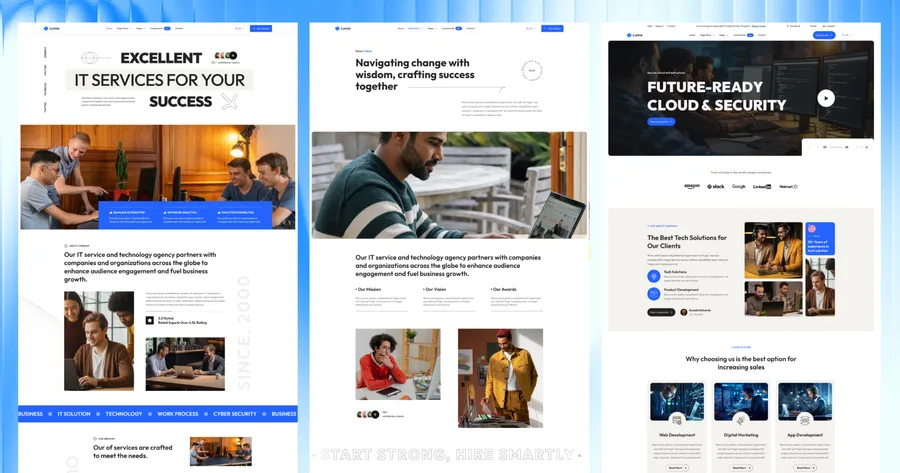
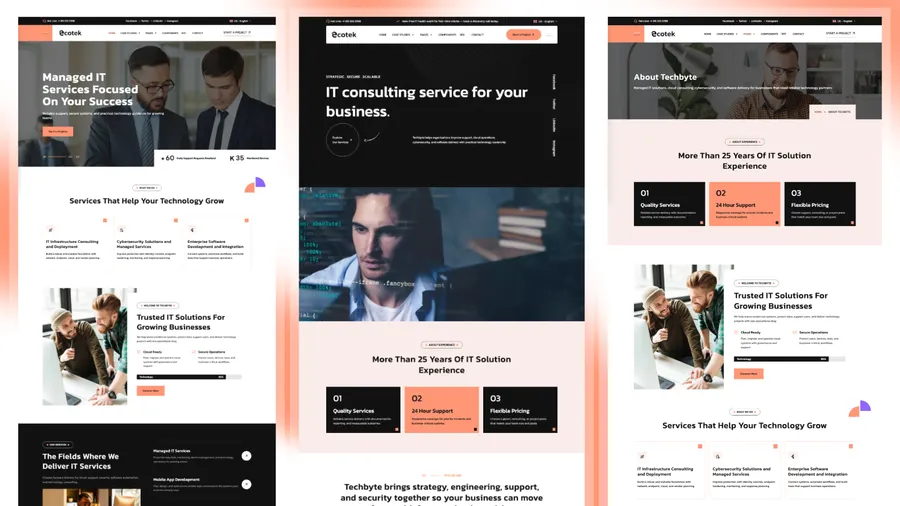
Choose Techbyte if the site is specifically for a managed IT service provider and should lead with support, security, and infrastructure services.
Released 29 Jun, 2026
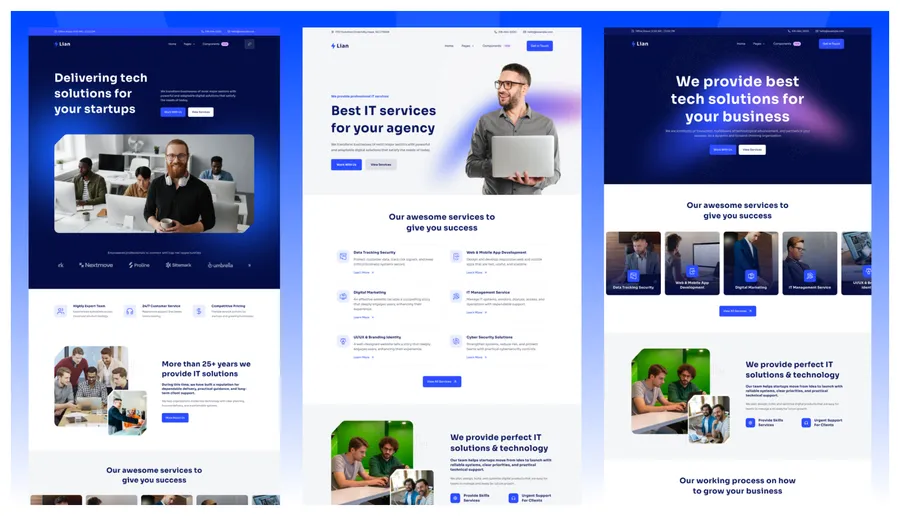
Choose Techlo if a software agency needs three homepage styles and a more portfolio-led presentation.
Released 09 Apr, 2026
Choose Lumio if a broader multi-service consultancy should lead with case studies rather than product, portfolio, and industry collections together.