What type of website is Techbyte best for?
01Techbyte is best for Managed IT service provider (MSP) websites, IT support and helpdesk companies, Cybersecurity and infrastructure consultancies, Industry-focused technology service firms.
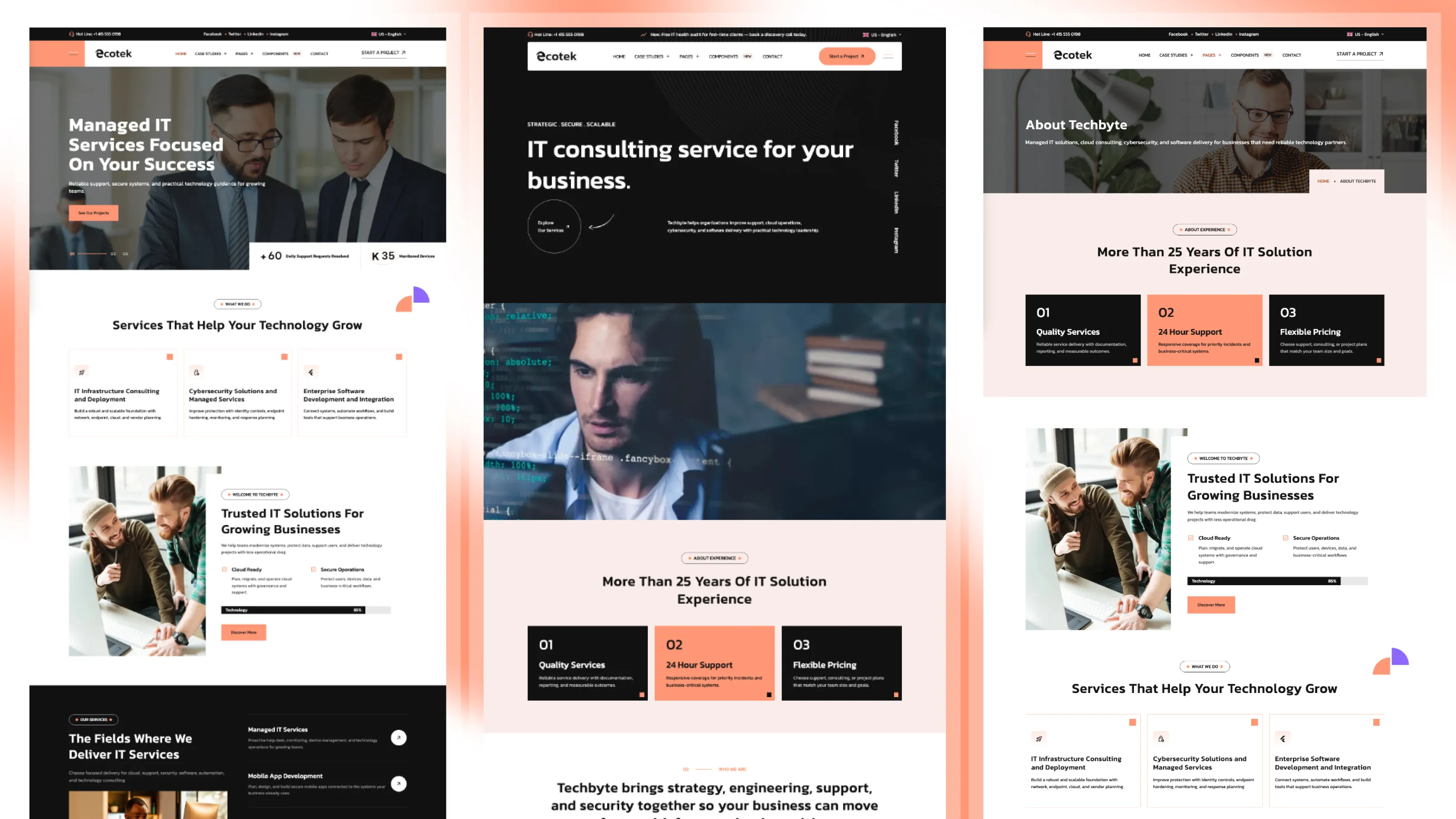
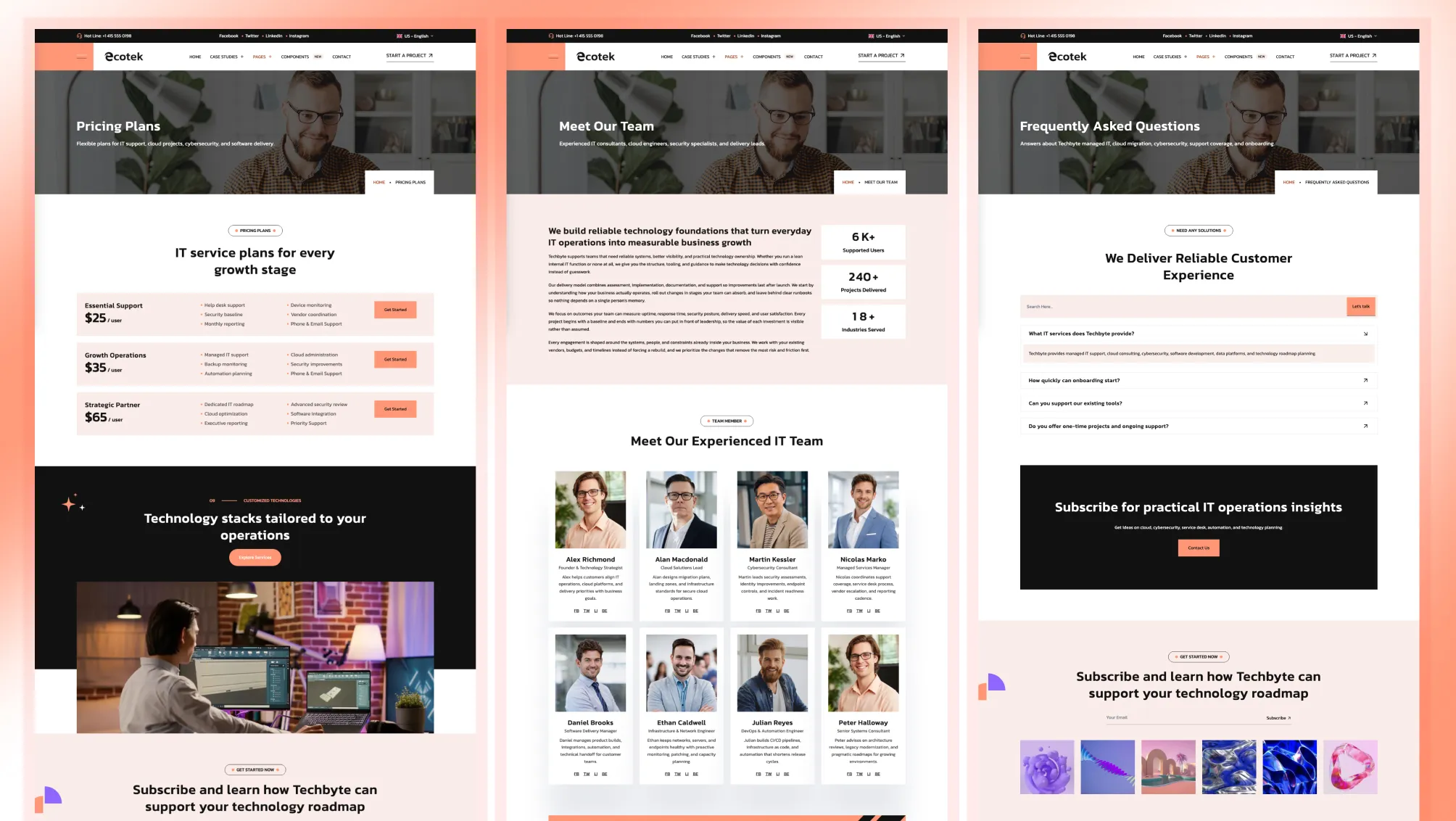
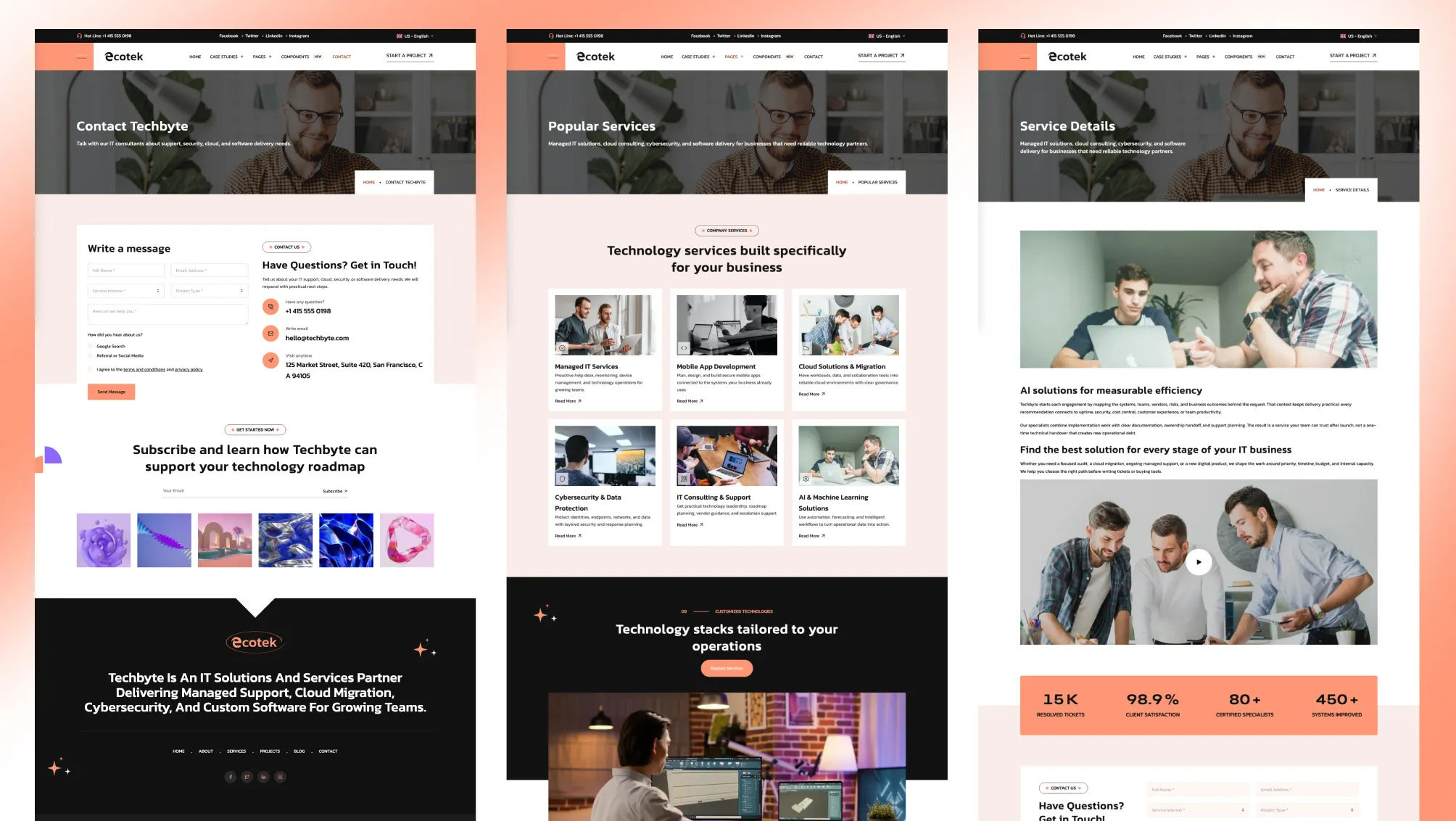
It is the better fit when an IT services business sells trust and response time: managed support, security, and infrastructure. Techbyte gives that business a site that proves capability through industry case studies, service pages, and team content, while loading fast enough to score a perfect desktop PageSpeed result.
Techbyte ships with a performance pipeline most themes leave to you:
The live demo scores 100/100/100/100 on desktop PageSpeed and 95+ mobile performance, with accessibility, best practices, and SEO all at 100.
Techbyte includes project files that help AI coding assistants follow the theme’s structure from day one.
AGENTS.md — the full project playbook: structure, section conventions, schema, styling, and verification rules that agents read before writing code.SKILLS.md — task-by-task recipes for the common jobs: add a section, add a page, add a language, rebrand the palette, configure forms.RULES/ — editor rules so each tool understands the theme out of the box: .cursor/rules/ for Cursor, .github/copilot-instructions.md for GitHub Copilot, and CLAUDE.md for Claude.Point Cursor, Copilot, or Claude at the project and AI edits can follow the same components, schema, and design tokens.
The homepage opens with a synced dual-layer slider: full-bleed background imagery on one layer, headline, copy, and call-to-action on another, moving together with numbered pagination and a stats bar anchored to the fold. It reads like a custom build, and it is engineered so the first slide paints instantly — no blank hero waiting on JavaScript.
A second homepage demo gives you an alternative entry point with a darker, offcanvas-driven header style, reusing the same sections and content files.
Techbyte’s standout navigation piece is the industries mega menu: a case-studies panel that organizes your work by the industries you serve — construction, healthcare, manufacturing, nonprofit, professional services, marketplace — each with its own icon, description, and link.
For an MSP or consultancy, that means a visitor in healthcare finds healthcare proof in one click.
That mix covers both a first launch and later expansion without leaving the theme.
The structure is set up for service businesses that need to explain what they do, show proof, and convert:
The main controls live in predictable files:
src/config/config.tomlsrc/config/menu.en.jsonsrc/config/menu.fr.jsonsrc/config/social.jsonsrc/config/fonts.jsonsrc/config/language.jsonFrom config.toml you control the sticky header, contact form provider, smooth scroll, animation behavior, multilingual settings, Mailchimp subscription, contact info, and SEO defaults — without digging through components.
[settings]
stickyHeader = true
contactFormProvider = "formsubmit.co"

[settings.navigationButton]
enable = true
url = "/contact/"[settings.smoothScroll]
enable = true
respectReducedMotion = true
[settings.animation]
enable = true
distance = "2rem"
blur = "10px"Every animation keeps content visible by default — nothing on the page depends on JavaScript to appear.
Techbyte includes English and French structure in the source project, with matching content folders and menu files.
If you do not need the second language:
npm run remove-multilingualIf you need to generate it again later:
npm run generate-multilingual-contentTechbyte supports three contact form providers out of the box:
formsubmit.coformspreenetlifyIt also includes a Mailchimp subscription form. Start with a simple setup and switch providers later from config without rewriting the form layer.
Techbyte audits at 100 accessibility on every page, not just the homepage:
The brand palette is a warm coral over clean neutrals, defined as theme tokens in src/styles/theme.css so a rebrand is a few variables, not a find-and-replace.
sections.schema.ts so section options are discoverableTechbyte is an Astro theme for managed IT service providers and support-led technology firms, with industry case studies, services, team, pricing, FAQ, and blog pages wrapped in a build that scores a perfect desktop PageSpeed result on the demo.
Choose Techbyte if you run an IT services business and need a site that looks credible, proves your work by industry, and loads fast enough to back up the pitch.
Techbyte is best for Managed IT service provider (MSP) websites, IT support and helpdesk companies, Cybersecurity and infrastructure consultancies, Industry-focused technology service firms.
Techbyte is a paid Astro theme designed for teams that need a more complete production-ready starting point.
Yes. Techbyte includes multilingual-ready project structure, which helps when the site needs localized routes or content.
Techbyte includes blog support, case study pages, pricing pages, service pages, along with 22 core pages and 33 sections.
Choose Techbyte when you are a portfolio-led software agency and want three homepage styles with a masonry project showcase front and center.
Pay once with no subscription. Choose yearly or lifetime downloads on Essential.
Pro and Business include downloads and updates for life.
For solo creators building one client site or personal project per theme.
+ Local Taxes Act Quick Before It's Gone! ~ 45% OFF
Individual themes
value $623
Save $524
(84%)
+ Local Taxes
Individual themes
value $623
Save $524
(84%)
For freelancers and teams working across multiple client projects.
+ Local Taxes
Individual themes + figma
value $743
Save $344
(46%)
For studios and teams that want unlimited projects, more seats, and complete access.
+ Local Taxes Act Quick Before It's Gone! ~ 40% OFF
Individual themes + figma
value $743
Save $444
(60%)
Released 29 Jun, 2026
Choose Techlo if you are a portfolio-led software agency and want three homepage styles with a masonry project showcase front and center.
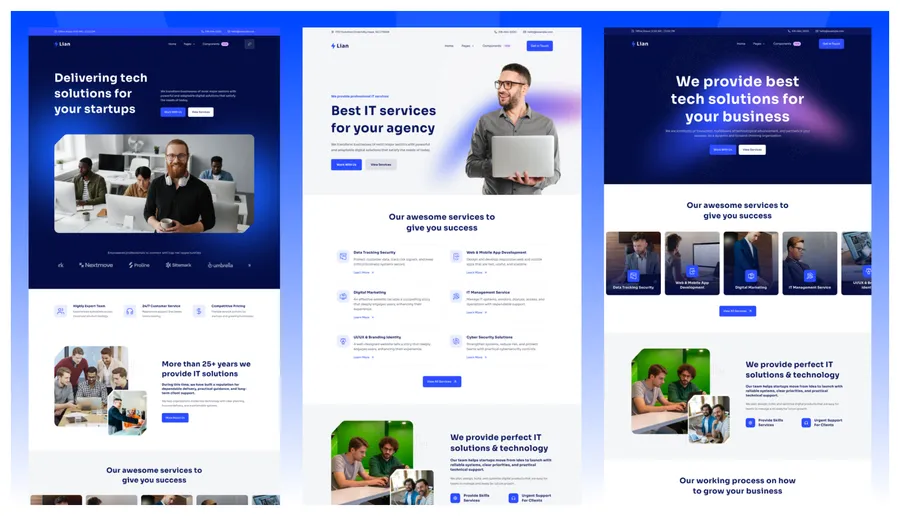
Released 09 Apr, 2026
Choose Lumio if you are a broader multi-service consultancy that leads with case studies rather than IT service delivery.
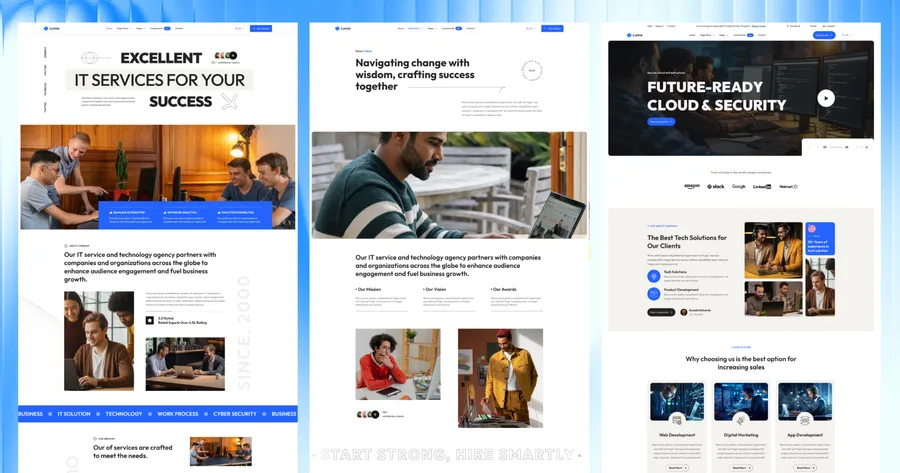
Released 03 Feb, 2025
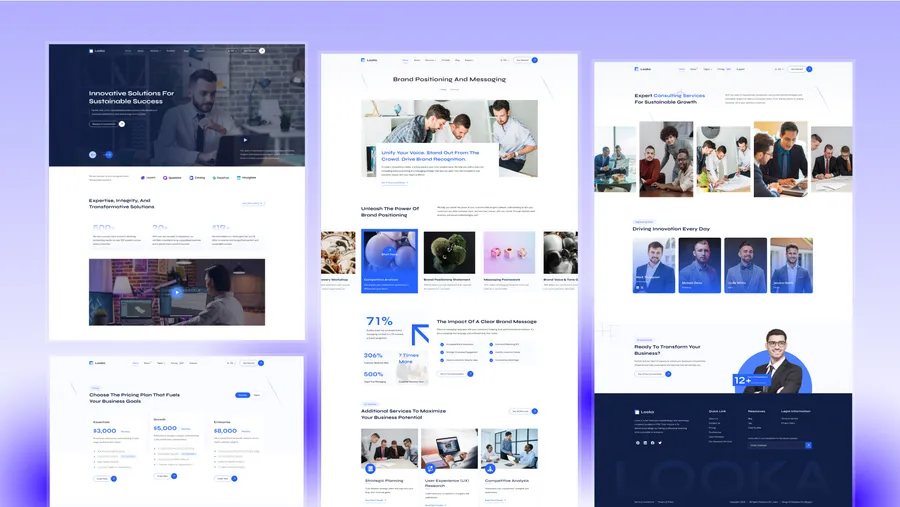
Choose Looka if you want a more formal advisory or consulting presentation with less technology framing.